Showing posts with label Desktop Calendars. Show all posts

Friday, February 5, 2010

Blog Candy for Your Computer:

Pin It


TGiF, Stampers!

Today's post was prompted by a visit to my friend Vicki's blog,
"This ART that Makes Me Happy." Vicki's blog post today is all about birds and her love for 'em ... and features some pretty a-mazing bird projects Vicki's completed.

Suddenly, I remembered that I had this desktop calendar to share with you! Well, they say that short-term memory is the first to go! At least I think that's what they say, I don't remember ...


So, before February turns into March, I best share this desktop wallpaper with you. This is
sized to fit your 1024 x 768 screen, but it will work on smaller and most larger screens.

Here's how to snag it: Click on the image, and when the new window opens, right-click on the calendar and choose "save" to your computer. Once it's lost somewhere on your hard drive, navigate to the image, then right click on it and choose, "set as desktop background." So easy, even I could do it!

Since I posted twice yesterday ... something unheard of ! ... this post will be short and tweet! I kill me ...

Have a great weekend, my Bird-Lovin' Bloggin' Buddies!

~Hugs,


Shop for Stampin' Up products online ... 24/7 ... HERE

If you have any questions about Stampin' Up products or stamping techniques, feel free to contact me
HERE.

Monday, January 4, 2010

Blog Candy for Your Computer ...

Pin It


Happy New Year, Stampers ... I hope 2010 proves to be your best. year. ever!

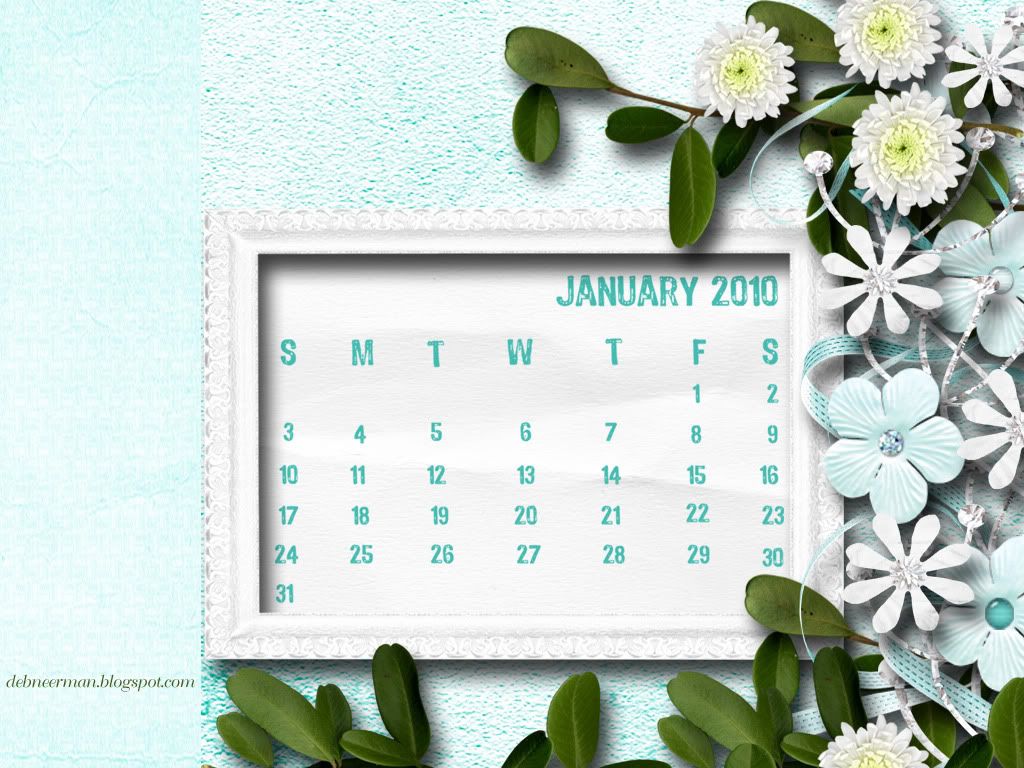
Today's digital project is a l'il gift from me to you: a scrappy desktop calendar for your computer. This wallpaper was created in Photoshop and sized to fit your 1024 x 768 screen. However, it will work on smaller and most larger screens.

Here's how to snag it: Click on the image, and when the new window opens, right-click on the calendar and choose "save" to your computer. Once it's lost somewhere on your hard drive, navigate to the image, then right click on it and choose, "set as desktop background." So easy, even I could do it!

Soooooooo, this weekend Sheila's son, Reid-the-Wild-Child had several of his noisy l'il friends over to play. Sheila invited me over to help her keep her sanity ... hah, as if I know anything about keeping sane!

After four hours of screaming kids, the LAST thing I wanted to do was go with Sheila on the drive to deliver all of 'em back to their homes. But I went anyway. What a good friend am I ...

On our way to drop off Whining Child #1, a fire truck zoomed past. Sitting in the front seat of the fire truck was a huge Dalmatian.

The kids started to discuss the dog's duties: "They use him to keep crowds back," said one. "No," said another, "he's just for good luck."

"I know!" said our very own Reid-the-Wild-Child, "They use it to find the fire hydrant!"

Dang, I shoulda known that ...

Thanks for visiting and have a great week!

~Hugs, Deb

  • Digital Papers and Elements: mITSYBELLE Designs

Wednesday, April 1, 2009

Blog Candy for Your Computer ... No Foolin'!

Pin It


You've waited since March 31st for this moment, right?!?

Anyway, my imaginary friends, here's your vintage-inspired, April, 2009, desktop calendar! And since it's "One Cent" day ... and it's you ... I'm only charging 1 cent for this handmade calendar. For your convenience, I accept checks, Money Orders, and Paypal.

I kid. It's really an Easter and/or Passover gift from me to you ... 'cuz you're pretty and nice and everything.

And now, all the Dirty Deets:

Because of the size of this wallpaper, and the limitations built into the "Minima" style blog, the above view is distorted. You really need to click on the image to see if you want to take it home with you. I use the calendar as my desktop wallpaper, but you can print it out and hang it on the wall in your studio. Or, stick in on your 'fridge ... or, put it in your gym locker, or tape it to the ceiling over your bed so's every morning you'll know exactly what day it is ... just in case you're not sure what happened the night before.


Here's how to snag it: click on the image, and when the new window opens, right-click on the image and choose "save," or "save picture as." Remember where you saved it, then find the image on your hard drive. When you finally find it again, right click on it and chose, "set as desktop background." And, ta-dah!

And don't be afraid if it looks like it's missing a line or a number, 'cuz once you download it and send it to your desktop it looks perfectly fine. Must be some Photobucket and/or Blogger image glitch and/or trick.

See you tomorrow my pretty and nice imaginary friend!

~Hugs,

Sunday, March 1, 2009

Blog Candy for Your Computer ... The March Desktop Calendar:

Pin It


EDITED TO ADD: If you snagged this calendar prior to March 2, you'll want to replace it with this ^ one. There was some pixel-messiness goin' on with it and it's been cleared up.

And there's just a few left, so grab yours now! LOLOL, I kid; there's at least 50 left ...

So here it is ... my St. Paddy's Day gift to you ... 'cuz you're pretty and nice and everything. And Irish.

Because of the size of this wallpaper, and the limitations built into the "Minima" style blog, the above view is distorted. You really need to click on the image to see if you want to take it home with you. I use the calendar as my desktop wallpaper, but you can print it out and hang it on the wall in your studio. Or, stick in on your 'fridge ... or, put it in your gym locker, or tape it to the ceiling over your bed so's every morning you'll know exactly what day it is ... just in case you're not sure what happened the night before.

Here's how to snag it: click on the image, and when the new window opens, right-click on the image and choose "save," or "save picture as." Remember where you saved it, then find the image on your hard drive. When you finally find it again, right click on it and chose, "set as desktop background." And, ta-dah!

If you have any problems getting this to fit your screen, I'll try to help you but remember: I don't know what I'm doing. This fits on my computer screen perfectly as is, but if it gets all wonky on yours, I'll prolly have to email you the file.

And don't be afraid if it looks like it's missing a line or a number, 'cuz once you download it and send it to your desktop it looks perfectly fine. Must be some Photobucket and/or Blogger image glitch and/or trick.

See you tomorrow my pretty and nice imaginary friend!

~Hugs,

Monday, February 2, 2009

Here She Is: Miss February!

Pin It


Awww, isn't she cute?!?

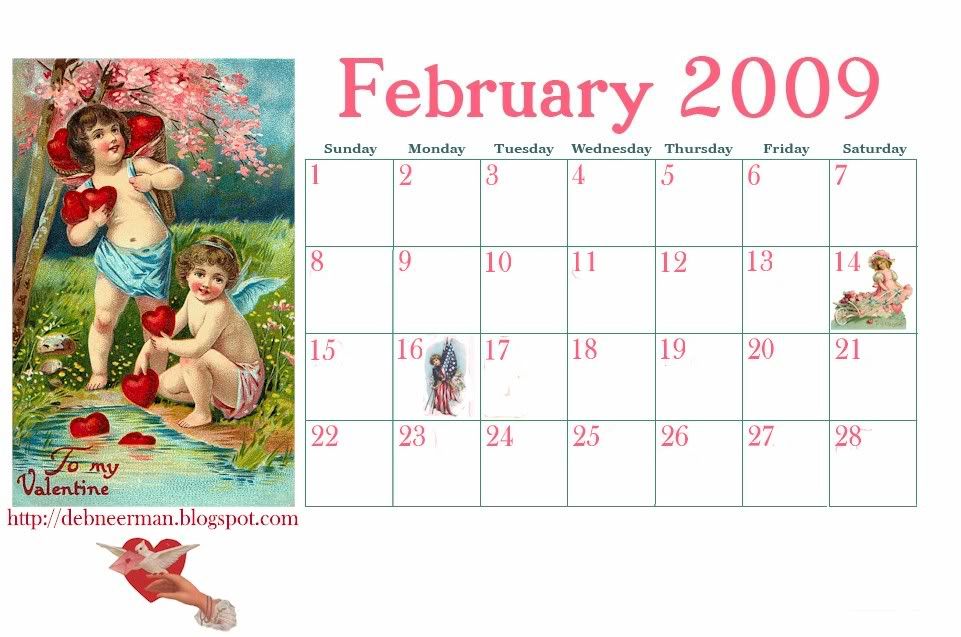
As threatened promised, here's your February desktop calendar. It's my l'il Valentine to you 'cuz you're pretty and nice and everything.

Because of the size of this wallpaper, and the limitations built into the "Minima" style blog, the view is distorted. You really need to click on the image to see if you want to take it home with you.

I use the calendar as my desktop background, but you can print it out and hang it on the wall in your studio. Or, tape it to your glove compartment ... (hey, does anyone actually keep gloves in their glove compartment? ... lemme know ... I took a survey and no one in Florida does ... but then, we don't own gloves either).

Or, you can stick it in your gym locker, or tape it to the ceiling over your bed so's every morning you'll know exactly what day it is ... preventing you from getting up early on a Saturday by mistake. Or stick it on your fridge, or ... well, basically you can stick it anywhere. Oh, but not there!

Here's how to snag it: click on the image, and then when the new window opens, right-click on the image and choose "save," or "save picture as." Remember where you saved it, then find the image on your hard drive. When you finally find it again, right click on it and chose, "set as desktop background." Ta-dah!

If you have any problems getting this to fit your screen, I'll try to help you but no guarantees. Remember: I don't know what I'm doing. This fits on my computer screen perfectly as is, but if it gets all wonky on yours, I'll prolly have to email you the file.

And don't be afraid if it looks like it's missing a line or a number, 'cuz once you download it and send it to your desktop it looks perfectly fine. Must be some Photobucket/Blogger image glitch/trick.

Okeedokee then. This weekend Sheila and her DH came over to hang out at our house. In the family room, the TV was on and scientists were discussing the Meteor Crater in northern Arizona.

"Oh, I want to see this!" Sheila said. No; we never ask why ... that always leads to trouble.

Anyway, we all trudge into the family room to watch the show with her.

The narrator was describing the Meteor Crater and how it was formed while we watched aerial footage of the Crater and the surrounding area.

So, now we all know, whether we wanted to or not, that the Meteor Crater was formed when a lump of nickel and iron, roughly 150 feet in diameter and weighing 300,000 tons, struck the earth at about 40,000 mph, scattering white-hot debris for miles in every direction. And that the hole measures nearly a mile across and is 570 feet deep.

"Wowza," Sheila exclaimed,"It just missed the highway!"

I. Kid. You. Not.

~Hugs,

Tuesday, January 6, 2009

A L'il Gift For You ...

Pin It


L'il being the operative word!

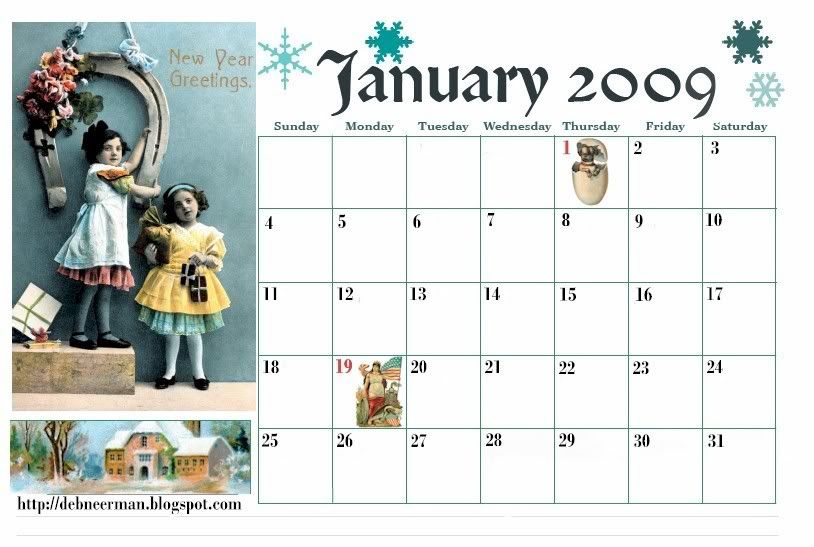
So, it's a calendar for you to use on your computer desktop OR you can print it out and tape it to your wall! It looks a lot l'il distorted in this ^ view, but if you click on it, it looks fine ... but remember, I don't know what I'm doing.

The lovely "Miss Mary" used to make these for me and did so for many years. This year, she's moving on to other things and I decided to make my own. Well, once I did that, I naturally thought of YOU! So, I'm sharing it with you ... and your friends too. That's if you/they want it; otherwise, just skip on down to the Sheila story.

Here's how to snag it: click on the image, and then when the new window opens, right-click on the image and choose "save" to your computer. Once it's on your hard drive, find the image then right click on it and chose, "set as desktop background." Ta-dah!

If you have any problems getting this to fit your screen, umm ... well, I'll try to help you but no guarantees. This fits on my computer screen perfectly as is, but if it gets all wonky on yours, I'll prolly have to email you the file.

Now, if someone (cough: Anna), could tell me how to make a .pdf file, I think that would work the best. Hopefully, someone (cough: Anna), will come forward and offer to help me create a .pdf file for February's calendar. Even though I know not everyone (cough: Anna), likes vintage-inspired ...

Yuppers, I'll make another one for you in February! We'll just consider it my personal Valentine to you. And let's face it, the odds of getting me to actually MAIL you a Valentine's Day card is somewhere between slim and none ... and, umm, closer to none, KWIM? I'm card-mailing-challenged ... just like you*.

Here's your Sheila fix for January 6, 2009:

I don't think I've mentioned this before, but poor Sheila has been having trouble getting her neighbor to keep his chickens fenced in. Yup, it's like farm country out here. Wait. Right. It IS farm country out here!

The neighbor kept telling her that the chickens had the right to go anywhere they dang well pleased. Unfortunately, the born-free birds were ruining Sheila's flowerbeds.

So yesterday afternoon, I was hangin' around at Sheila's and noticed that there didn't seem to be any chickens in her flowerbeds. In fact, for the first time in months, the flowers were even beginning to bloom!

"Hey, crazy lady, how did you get your neighbor to keep his destructive wayward chickens in his own yard?"

"Easy," Sheila laughed, "One night I hid a dozen eggs under a bush by my flowerbeds, and the next day I let the old crab** see me gather them. I haven't seen a chicken since."

Okay, not the funniest of Sheila-isms, but even Sheila has a few non-hystericalomigawdfunny days.

~Hugs,
*this statement does NOT apply to Allison, Curt, Diane, or Risa.
**In the interest of full-disclosure I must mention that Sheila used a ... different word.